
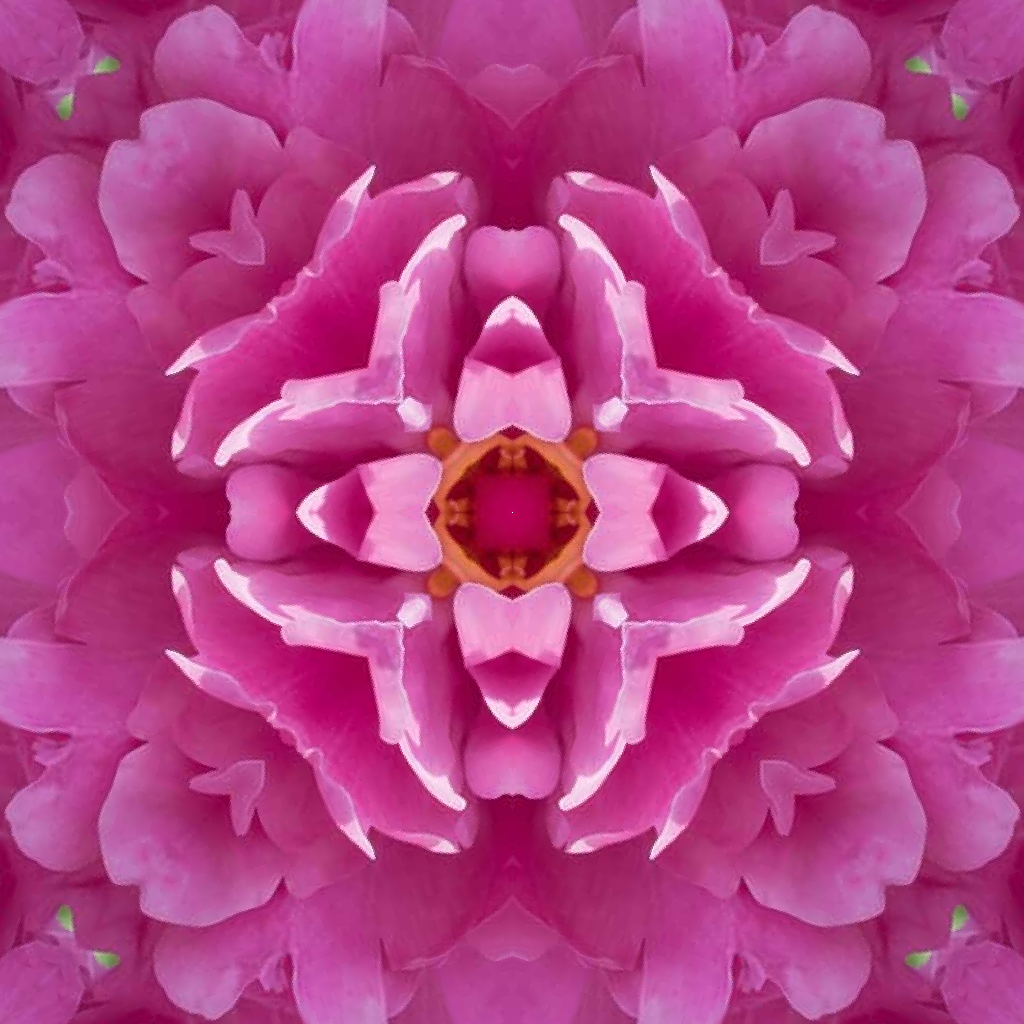
Description
OS and Optimization Requirements
The Kaleidomo Kaleidoscope Generator is an application for Windows and MacOS. It can use your computer's GPU, or if you choose (or don't have a GPU), it can use the CPU with SIMD and multithreading to generate media at an acceptable speed. This software is currently optimized for AVX2, SSE2, and NEON, but it will still work if your computer doesn't have those instruction sets.
Kaleidoscope Features
This software is capable of outputting both images and videos. This software can automate up to 3 different parameters: the triangle orientation, the triangle zoom, and the hue shift amount.
Kaleidoscope Modes
You can choose between several kaleidoscope and tiling modes:
- Radial
- Square
- Diamond
- Hexagon
- Hexagon (Flat Top)
Other Kaleidoscope Parameters
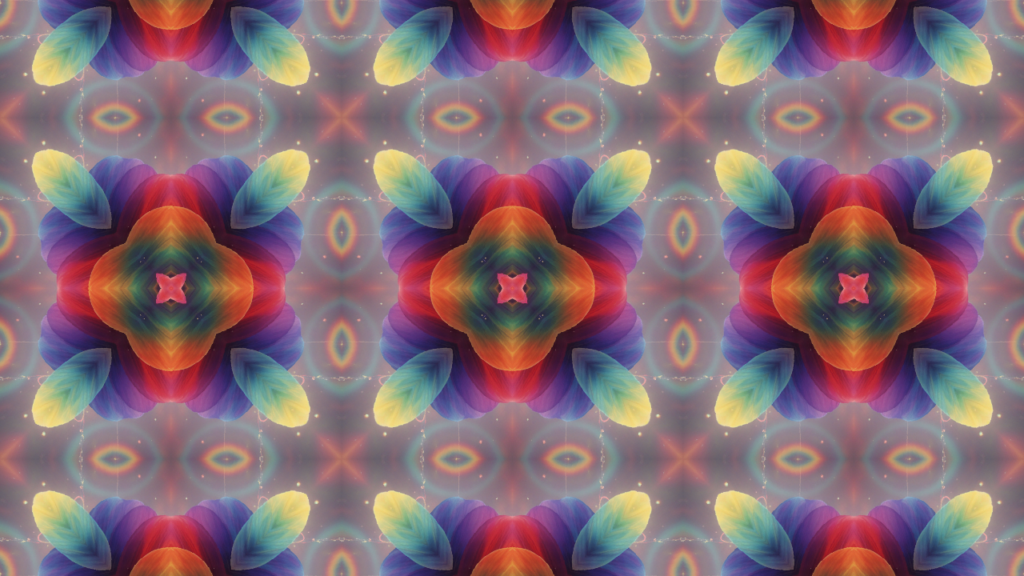
You can pick the number of slices for the effect, but the mode determines which values will look seamless or have visual barriers in the output. Radial symmetry just requires a multiple of 2 to look seamless. Square and Diamond tiling modes require a multiple of 3 to look seamless. Hexagon tiling modes require a multiple of 6 to look seamless.
The "Sample Radius" is a zoom multiplier for how long the triangular sample's side lengths will be, but it's kind of inverted. Look at the output preview while adjusting this slider. There is a button beneath this slider that will set the video zoom settings to the selected value.
The "Rotation" input rotates the triangular sample around its acute angle point. When the triangular sample is out of image bounds, images will have empty space or 0-alpha pixels, and videos will have black spots.
The output resolution sets the length of the shortest side of the output image/video, so that by putting 720 or 1080 with an aspect ratio of 9:16 or 16:9, the output resolution will be 720p or 1080p, respectively.
The tile count input controls the tile count of kaleidoscope outputs. This counts how many tiles will fit horizontally in the output. For all modes other than "Radial," you are able to adjust the tile count.
The color shift input shifts all of the colors of all of the pixels evenly to change the colors visible in the image or video.
Reviews
There are no reviews yet.